How to install Cisco Jabber on iOS Devices
For iOS devices: We need to download the Cisco Jabber software for iOS from the “App Store” application.
- We will access the “App Store” application.
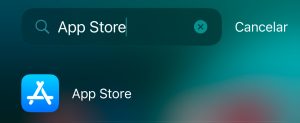
- Within the App Store, search for the “Cisco Jabber” application.
- Tap the “Get” button to the right of the “Cisco Jabber” application icon and wait for it to install.

- Once installed, tap the application icon on your desktop to open it.

- Tap the “Accept” button to confirm the terms of service, license, and privacy policy, and allow Jabber the permissions it requests.
- Enter your university email address and tap “Continue“.

- Log in with your credentials.
