How to check which mobile plan I have assigned
This article will explain how to check which mobile plan I have assigned.
Detailed guide:
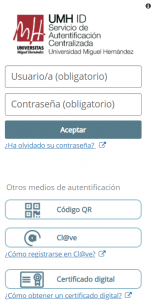
- Access your identified access https://universite.umh.es/ with your UMH username and password and log in.
- In the search bar located at the top left, enter “Gestión Telefonía UMH” and click on it.

- In the third column, the assigned plan will appear.

- To know the price of the assigned plan, click on “Tarifas Telefonía Móvil“.
