How to Recover Your Access Password
In this article, we will explain how to recover your password in case of forgetfulness or loss.
Detailed Guide
- To recover your password, you can do so through the link “¿Ha olvidado su contraseña?” on the UMH Centralized Authentication Service website (https://universite.umh.es).

- Keep in mind that, to use the option “¿Ha olvidado su contraseña?” you must previously provide an email or a mobile number, so the system can send it to you when you wish to recover it. You can do this through the “Password Recovery Data” application from your Identified Access.

- You will receive an email or SMS with a verification code so the system can save this email or mobile number for password recovery.
Keep in mind that from the CAU Service, technicians do NOT have access to user passwords, which are encrypted in the system, and they cannot store a password you communicate by phone or email. You can only recover or change the password through the web.
Remember that once you change your access password, you must change it in all UMH Services that require authentication such as email on the web and/or mobile, wifi, identified access, etc.
You also have the “Lince” application. With this application, we can obtain a temporary one-time password that must be changed when we validate ourselves. You can access this application at https://universite.umh.es/lince.
You can enter your DNI / NIE, Passport, or your UMH Username to identify yourself. Then, you can select where you want to receive the user validation code.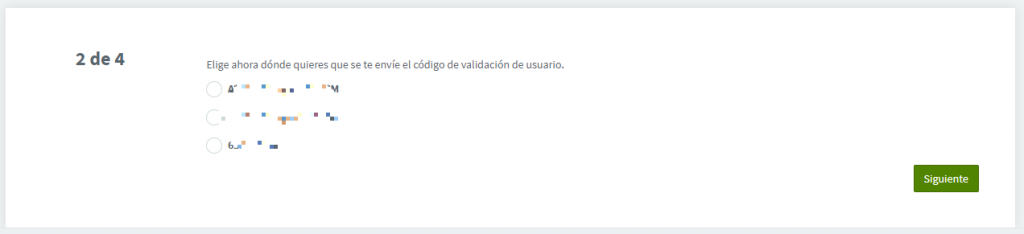
In the next step, we enter the received code.
And then we obtain the new temporary password.
As we mentioned earlier, this password is for one-time use, and the system will require us to enter a new password when we validate ourselves in our identified access.