How to use the QR code printing function on the printers from the centralized printing service
The intention of this entry is to give a quick idea of the uses of the new Konica Minolta equipment installed at Universidad Miguel Hernández.
Specifically, we will now focus on how to use the QR code printing function from the centralized printing service.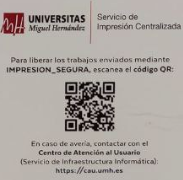
All devices are equipped with a QR code that facilitates identification on the device. Simply use your phone to read the QR code, which will take you to the Papercut authentication page: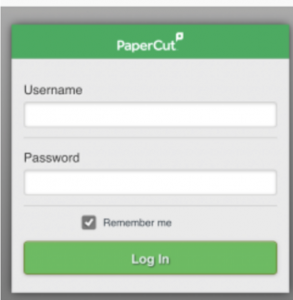
Once validated, it takes you to the page with your pending jobs.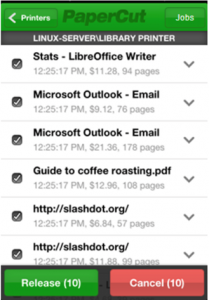
After selecting them, pressing the “Release” button sends the job to the printer where you have authenticated.