How to release held print jobs on the printers from the centralized printing service
28 March 2025
The intention of this entry is to give a quick idea of the uses of the new Konica Minolta equipment installed at Universidad Miguel Hernández.
Specifically, we will now focus on how to release the print jobs that we have sent to a printer from the centralized printing service.
Once logged in, if we have held print jobs, the tasks will appear.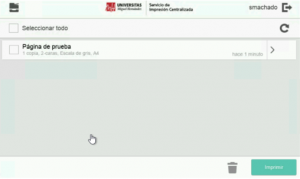
Select the job/jobs and press the “Print” button: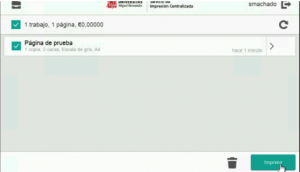
Or if you do not want to print it, you can delete it. First, select the job/jobs you do not want and press the “Trash can” icon.
Once finished, you can press the printer-shaped icon in the upper left corner: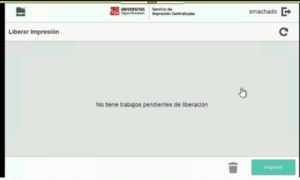
This will take you to the main menu screen of the machine: